Quarantine Content Compliance
Written By Michel Young
Last updated About 1 year ago
Apps → Google Workspace → Gmail → Compliance → Content Compliance
Scroll to the Content compliance section and select “Configure” or “Add Another Rule”.
Name:
Route Post-Inky to Quarantine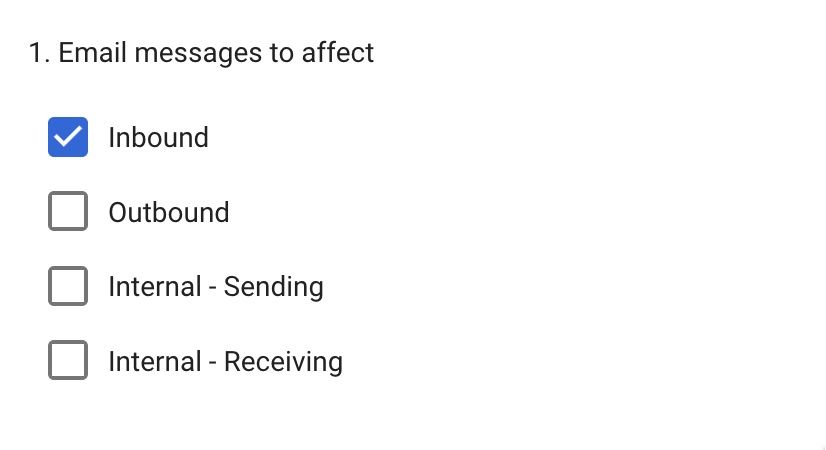
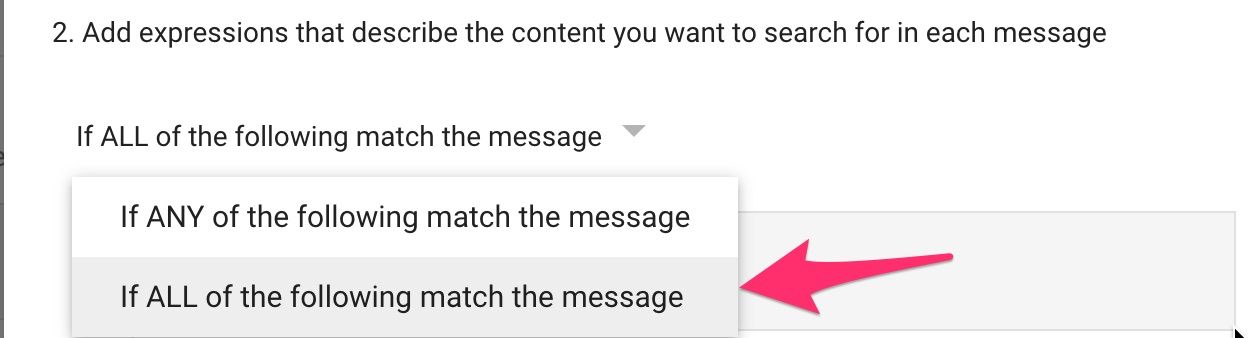
Click the ADD button
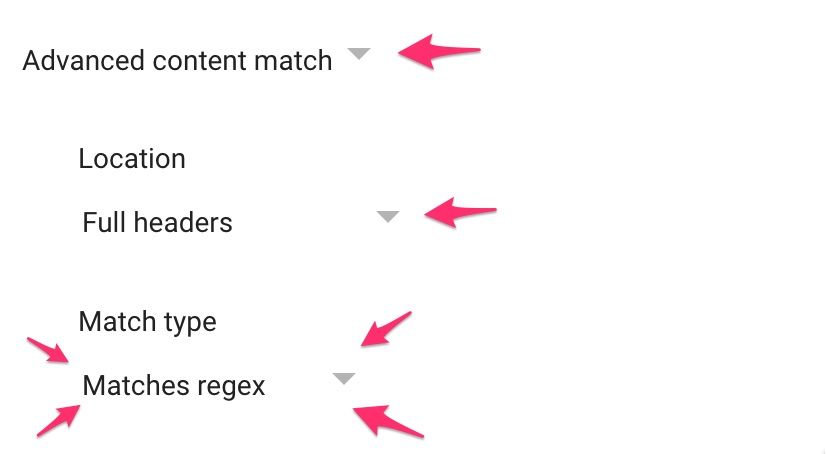
Regexp
(?i)^X-IPW-SCL: 10Regex Description (optional)
Route post INKY message to Quarantine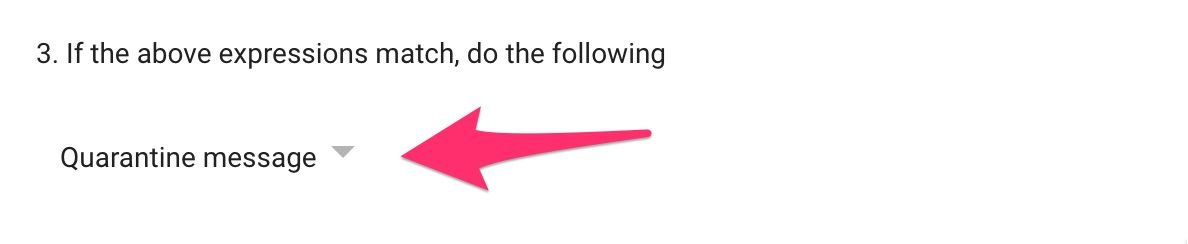
Click the Show options link
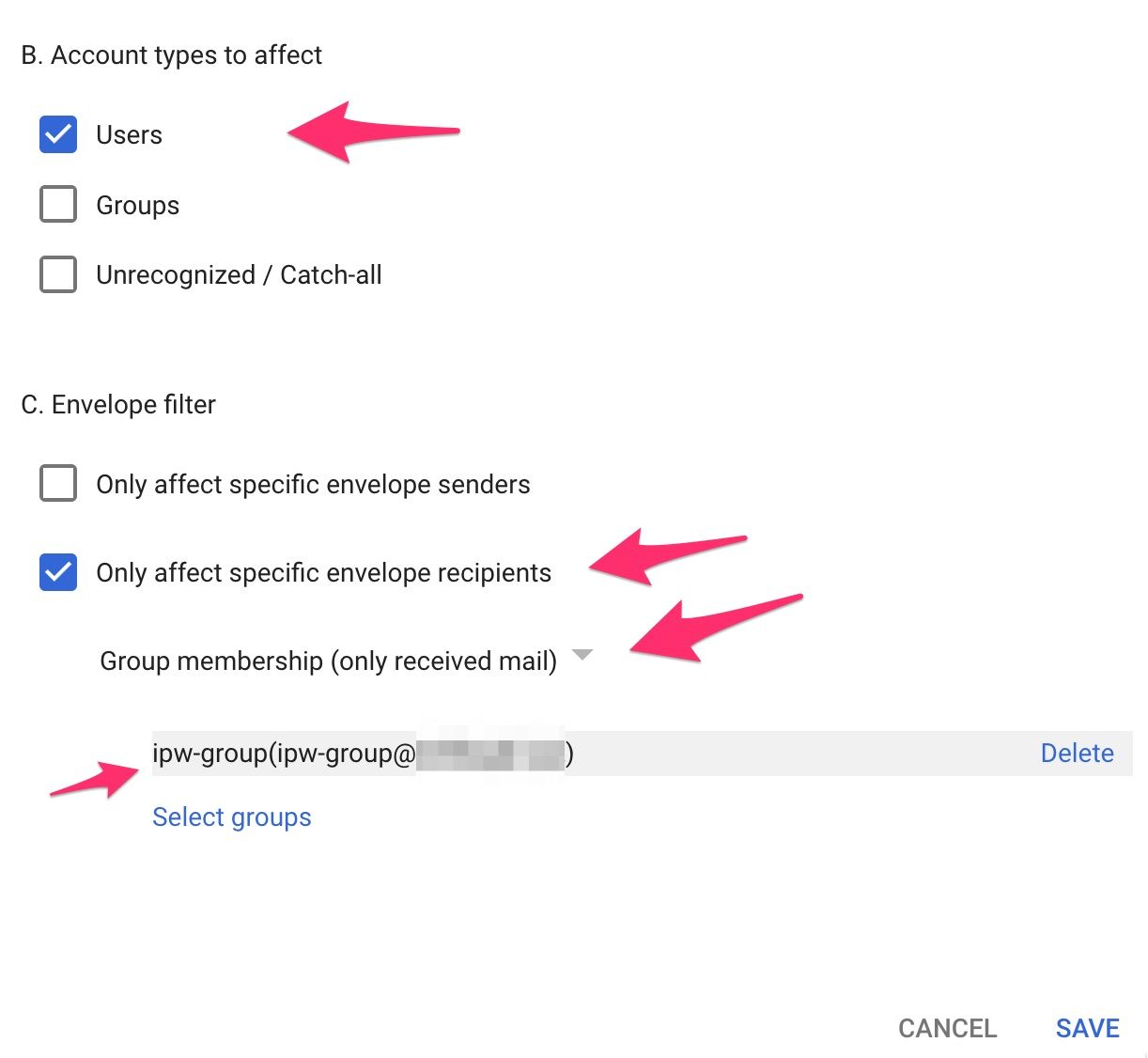
Click the SAVE button to save your work
Previous Page
Was this helpful?
Still need help? Ask the team